
The notification settings menu, located beneath your password settings menu, is where you can manage your notification preferences for published documents.
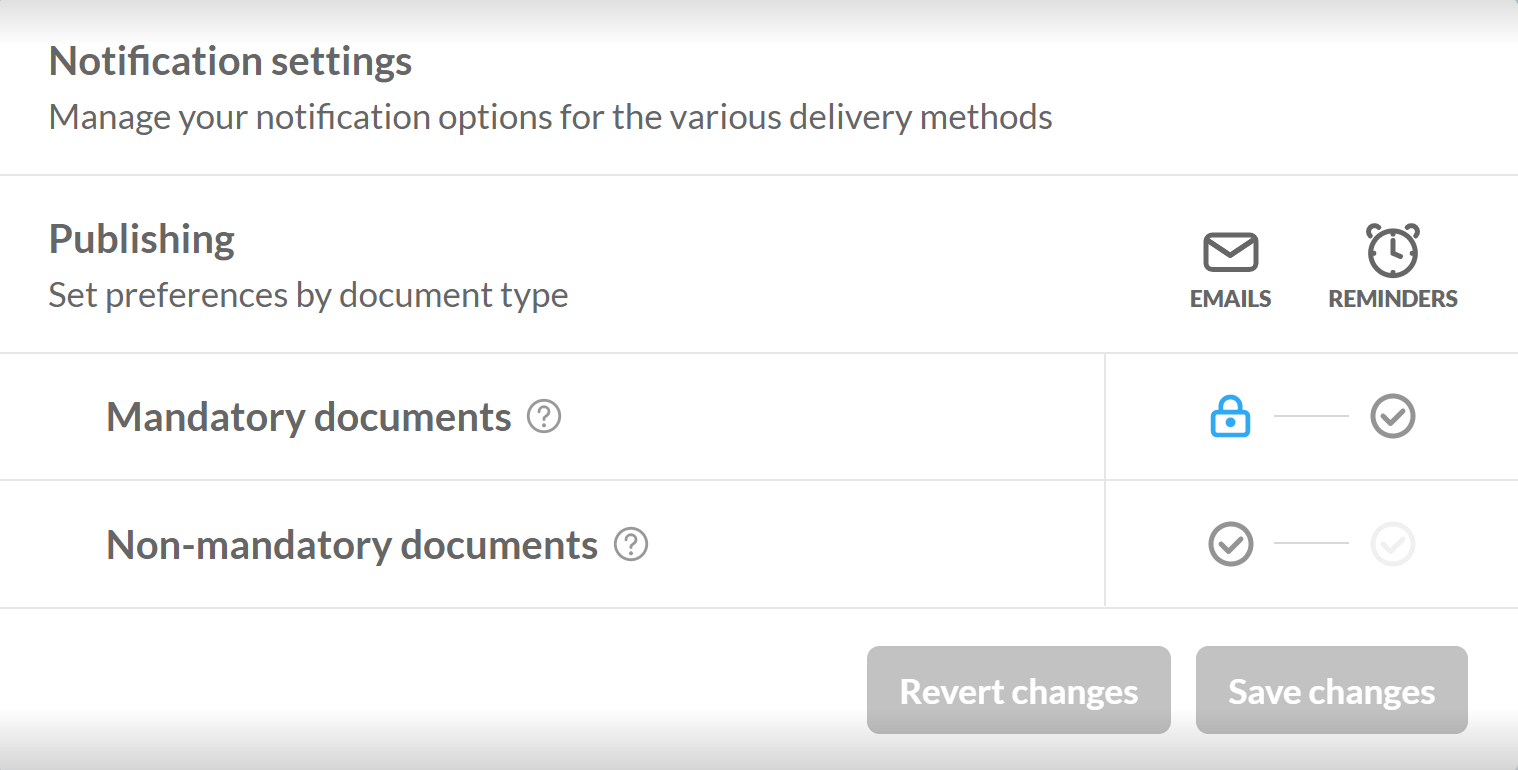
Preferences for emails and reminders can be set for:
-
Mandatory documents — documents deemed mandatory by your organization either by regulatory or organization standards.
-
Non-mandatory documents — all other documents not deemed mandatory fall under the non-mandatory category.
Notification settings are indicated by the following icons:
-
A blue checkmark () indicates the setting is on.
-
A grey checkmark () indicates the setting is off.
-
A light grey checkmark () indicates the setting cannot be toggled as its prerequisite has not been met.
-
A blue lock () indicates that your organization has locked the setting as on.
-
A grey lock () indicates that your organization has locked the setting as off.
With the exception of locked and disabled settings, settings can be toggled by clicking the icon.