How to set a workspace as your start page
From the menu bar, you can set a start page, which opens whenever you sign in to Client Portal. Any workspace or page you can access can be set as your start page. To set a start page:
-
Open the Workspace/page you want to set as your start page.
-
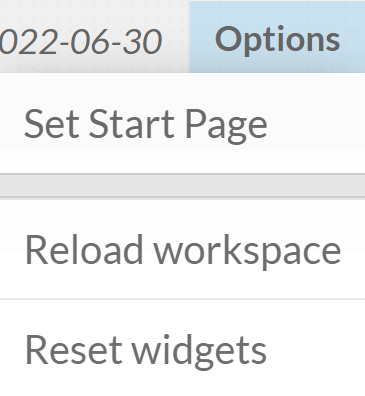
Select Options.
-
Select Set Start Page in the drop-down menu that appears.
-
Select Yes in the Change Start Page modal.
How to set Documents as your start page
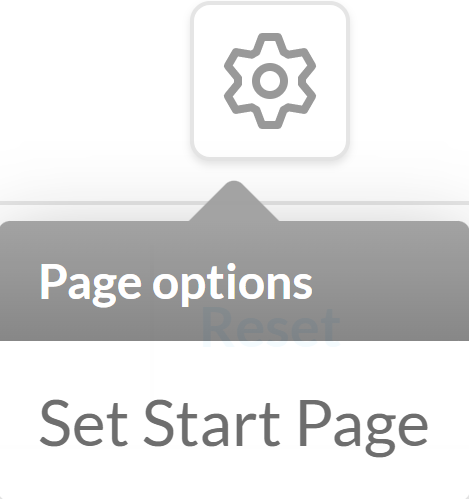
The page options menu is located on the right-hand side of the content header of your Documents page. This menu contains the option to set your Documents page as the start page of your application.
To set a start page:
-
Select the Page Options button.
-
Select Set Start Page in the drop-down menu that appears.
-
Select Yes in the Change Start Page modal that appears